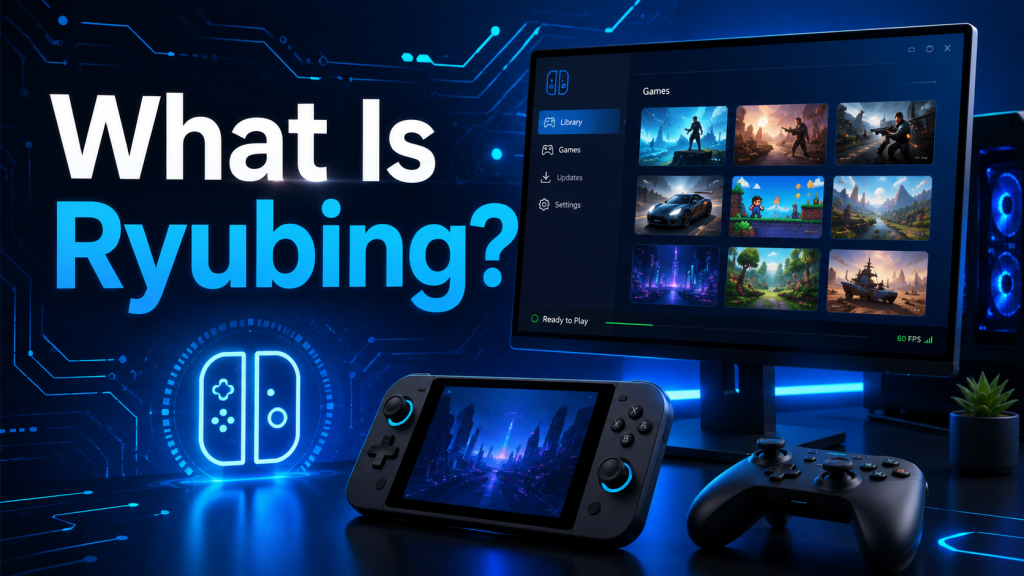
Ryubing is a Nintendo Switch emulator project that allows users to run compatible Nintendo Switch games on a computer. In simple words, it is software designed to recreate the Nintendo Switch gaming environment on platforms such as Windows, Linux, and macOS. Many people search for Ryubing because they want to understand what it does, how it works, and whether it is a good option for playing Switch games on PC.
For users who already know about Ryujinx, Ryubing may sound familiar. That is because Ryubing is connected to the Ryujinx emulator ecosystem and is often seen as a community fork or continuation of the original project. It focuses on giving users a smooth, accurate, and flexible emulation experience while keeping the interface beginner-friendly.
What Does Ryubing Mean?
Ryubing is mainly known as an experimental Nintendo Switch emulator. It is used by people who want to play Switch games on their desktop or laptop instead of using the original console. The purpose of Ryubing is to make Switch emulation more accessible by offering performance improvements, compatibility updates, and a familiar setup process for users who have experience with similar emulators.
The word “experimental” is important here. It means Ryubing may not be perfect for every game or every computer. Some games may run smoothly, while others may have bugs, graphical glitches, crashes, or performance issues. Like most emulators, Ryubing depends heavily on your system hardware, settings, game compatibility, and software updates.
How Does Ryubing Work?
Ryubing works by imitating the way a Nintendo Switch console runs games. A real Switch has its own hardware, operating system, graphics processing, controllers, firmware, and game environment. Ryubing tries to recreate that environment on a PC.
When you launch a game through Ryubing, the emulator translates the game’s instructions into something your computer can understand. This process requires strong CPU and GPU performance because the computer is doing extra work to simulate another device.
In simple terms, Ryubing acts like a bridge between Switch games and your PC. It does not magically make every game work, but it gives your computer the tools needed to run compatible games in an emulated environment.
Key Features of Ryubing
Ryubing includes several features that make it useful for users interested in Nintendo Switch emulation. While exact features may change with updates, the main benefits usually include:
Cross-Platform Support
Ryubing is designed for major desktop operating systems. This means users may be able to run it on Windows, Linux, and macOS, depending on available builds and system compatibility. Cross-platform support is helpful because it gives more users a chance to try the emulator without being limited to one operating system.
Game Compatibility
One of the biggest goals of Ryubing is game compatibility. The emulator aims to run a wide range of Nintendo Switch titles, but performance can vary from game to game. Some games may work very well, while others may require special settings or may not work properly yet.
Controller Support
Ryubing can usually work with different types of controllers, including standard PC gamepads. This makes the gaming experience feel more natural because many Switch games are designed around controller input.
Graphics Settings
Ryubing may allow users to adjust graphics settings such as resolution, scaling, shaders, and rendering options. These settings can improve visuals or performance depending on the user’s PC hardware.
Save Data Support
Like other emulators, Ryubing can support game save data. This allows users to continue their progress without starting over every time they open the emulator.
Updates and Community Development
Because Ryubing is community-based, updates may bring bug fixes, compatibility improvements, and quality-of-life changes. However, users should always download updates carefully from trusted sources to avoid fake or unsafe files.
Why Do People Use Ryubing?
People use Ryubing for different reasons. Some want better resolution than the original console can provide. Some want to play on a larger monitor. Others prefer the flexibility of PC controls, save management, or performance settings.
Ryubing can also be useful for users who like testing emulation technology. Emulators are not only about gaming; they also show how software can recreate complex hardware behavior. For many tech users, emulation is interesting because it combines performance, compatibility, graphics, and software development.
Is Ryubing Easy to Use?
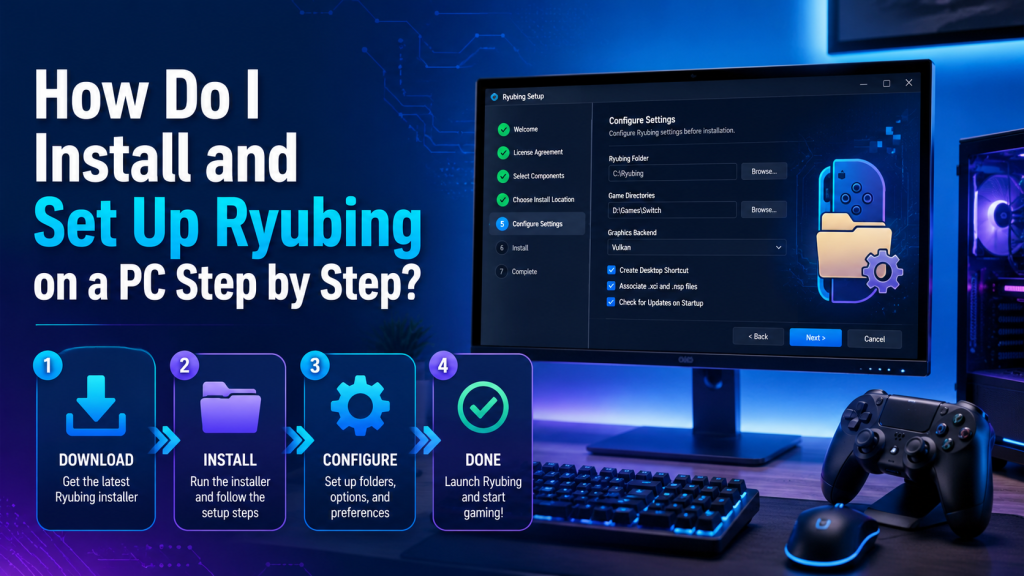
Ryubing is easier to use than many older emulators, but beginners may still need some time to understand it. Setting up an emulator usually involves downloading the correct version, configuring settings, adding required files, setting up controllers, and checking game compatibility.
For a beginner, the first setup may feel confusing. However, once everything is configured properly, using Ryubing becomes much simpler. Most users only need to open the emulator, choose their game, and adjust settings when needed.
Is Ryubing Safe?
Ryubing itself can be safe if you download it from a trusted and official source. The biggest risk usually comes from fake websites, modified installers, unsafe downloads, or bundled malware. Since emulator-related keywords are popular, many fake download pages may try to trick users.
To stay safe, users should avoid suspicious download buttons, unknown file-sharing links, and websites that force extra installers. It is also a good idea to scan downloaded files with antivirus software before running them.
Safety also depends on how users obtain their game files, firmware, and keys. Users should follow local laws and only use files they are legally allowed to use.
Is Ryubing Legal?
The emulator software itself is generally not the same thing as pirated games. Emulators can be legal software, but downloading copyrighted games, firmware, or keys from unauthorized sources can create legal problems.
Users should understand this clearly: Ryubing is only the emulator. It does not give you legal ownership of Nintendo Switch games. To use emulation responsibly, you should only use game files and system files that you legally own and are allowed to use in your region.
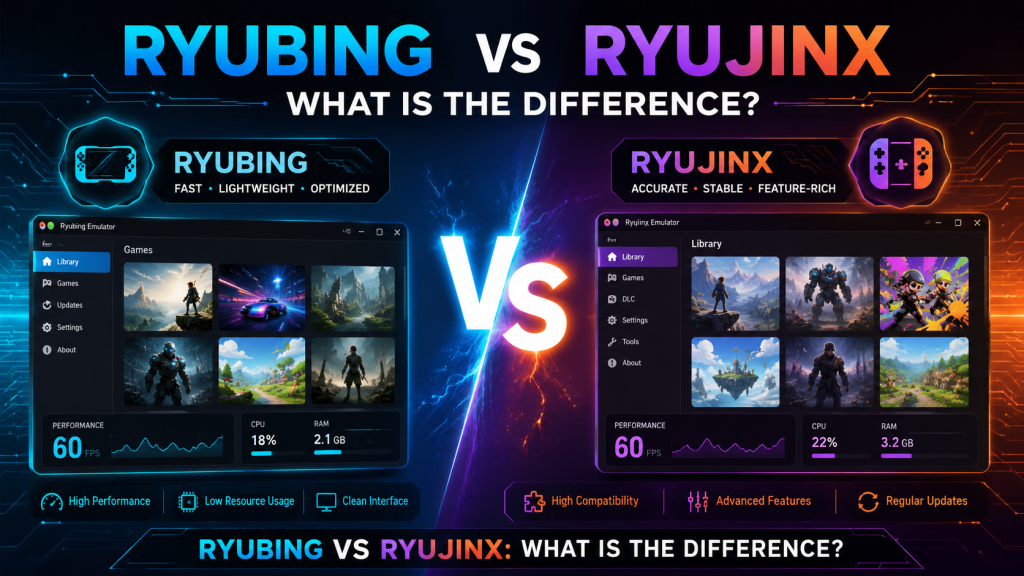
Ryubing vs Ryujinx
Ryubing is often compared with Ryujinx because it is connected to the same emulation background. Ryujinx was one of the most well-known Nintendo Switch emulators, and Ryubing is commonly seen as a fork or continuation-style project after the original Ryujinx development stopped.
For users, the difference may come down to updates, stability, compatibility, and community support. Ryubing may offer newer builds and ongoing changes, while older Ryujinx versions may feel more familiar to long-time users. However, because Ryubing is still experimental, some users may experience bugs or inconsistent performance.
System Requirements for Ryubing
Ryubing needs a reasonably powerful computer. Nintendo Switch emulation can be demanding because your PC must recreate console behavior while also running the game.
A better CPU usually improves emulation performance. A modern GPU helps with graphics rendering. Enough RAM is also important, especially for larger games. Users with older or low-end computers may face lag, crashes, or slow loading.
Although exact requirements can change, a good experience usually depends on:
- A modern multi-core processor
- A dedicated graphics card or strong integrated GPU
- Enough RAM for gaming and emulation
- Updated graphics drivers
- A supported operating system
- Proper emulator settings
Common Problems in Ryubing
Like most emulators, Ryubing may sometimes show errors or performance issues. Some common problems include:
Game Not Launching
This can happen because of missing files, unsupported game versions, incorrect settings, or compatibility issues.
Low FPS or Lag
Low performance usually happens when the computer hardware is not strong enough or when graphics settings are too high.
Graphics Glitches
Some games may show broken textures, flickering, black screens, or visual bugs. Updating GPU drivers or changing graphics settings may help.
Controller Not Working
Controller issues can happen if the emulator does not detect the device properly. Reconnecting the controller, checking input settings, or updating drivers may fix the issue.
Crashes During Gameplay
Crashes may be caused by emulator bugs, unsupported game features, shader issues, or unstable builds.
Tips to Improve Ryubing Performance
If Ryubing is slow or unstable, a few simple changes may help:
- Keep your graphics drivers updated
- Use recommended emulator settings
- Lower resolution scaling if your PC is weak
- Close background apps before playing
- Use a wired controller for better input stability
- Check game compatibility before expecting perfect performance
- Update Ryubing only from trusted sources
Performance is not the same for every game. A game that runs smoothly on one PC may run poorly on another because hardware and settings matter a lot.
Who Should Use Ryubing?
Ryubing is best for users who understand the basics of emulation or are willing to learn. It is also useful for people who want to test Nintendo Switch games on a PC environment using legally owned files.
It may not be ideal for users who want a completely simple plug-and-play experience. Since Ryubing is experimental, some setup and troubleshooting may be required.
Advantages of Ryubing
Ryubing has several advantages for emulator users:
- It supports Nintendo Switch emulation on PC
- It may work on multiple operating systems
- It gives users flexible graphics and control settings
- It can improve visual quality on capable hardware
- It continues the Ryujinx-style emulation experience
- It is useful for testing compatibility and performance
Disadvantages of Ryubing
Ryubing also has some limitations:
- Not every game works perfectly
- Setup can be confusing for beginners
- Performance depends heavily on PC hardware
- Bugs and crashes may happen
- Fake download sites can be risky
- Users must handle legal files responsibly
Is Ryubing Worth Using?
Ryubing can be worth using if you want to explore Nintendo Switch emulation on PC and you understand that it is still experimental. It may offer good performance for supported games, especially on stronger computers. However, it is not guaranteed to work perfectly for every title.
If you are a beginner, Ryubing can still be a good option, but you should take time to learn the setup process, read compatibility notes, and use safe download sources. If you want a stable experience, always keep realistic expectations.
Conclusion
Ryubing is an experimental Nintendo Switch emulator that helps users run compatible Switch games on PC. It is connected to the Ryujinx emulator background and is often discussed as a community fork or continuation-style project. Its main goal is to provide accurate, smooth, and flexible emulation for users who want to enjoy Switch games in a PC environment.
However, Ryubing is not perfect. Game compatibility, performance, and stability can vary depending on your hardware and settings. Users should also be careful about legal and safety issues, especially when downloading files or using game content.
Overall, Ryubing is a useful emulator project for users who want to explore Switch emulation, but it should be used responsibly, legally, and with realistic expectations.